Often times, we’re faced with the task of designing sounds that track the movements of certain on screen visuals. These sounds need to be continuous, reactive, and dynamically pitched; imagine a car weaving in and out of traffic. It accelerates, then gradually slows down, eventually swerving out of the way of an oncoming semi-truck. Maybe you have a character wielding a magical sword; swinging it through the air at varying speeds and veracity while emitting a sparkly blue glow. These types of scenarios need a convincing sound that coincides with the every movement of the character or prop.
As many of you know, in 2017, we branched out from our post-production sound business, Boom Box Post, to start Boom Box Library. BBL (as we call it around here) is a sound effect library company which allows us to share our sound design work with other professionals, and also contribute to the creativity of our community members with custom-recorded libraries that we feel fill a void in basic materials. In short, our award-winning sound designers are creating sound libraries that we ourselves want to use.
For many of you who freelance or have unpredictable schedules, adding library creation to your business ventures could be just the thing you need. But, while recording or designing the sounds may be totally in your wheelhouse, there are a lot of other things that go into being able to sell your libraries. And that’s the end goal, right?
Whether you are a newly graduated student or you are a long time picture editor looking to delve more into sound, jumping into the freelance world can be intimidating. You might have some money saved up and are wondering where to allocate it to best help you freelance career. After securing a decent computer and a Pro Tools subscription it can be easy to fall into the mindset that you need the newest shiniest plugin or the fanciest piece of hardware. While plugins and gear are nice to have and can indeed help you, finding quality sound effect libraries to add to your personal sound collection is perhaps a more worthwhile endeavor.
As a total productivity nerd, I’ve tried many different applications to speed up my workflow and day-to-day task management, both at work and at home. I use a mix of Todoist, Spark (email), Google Calendar, and Slack. After constantly jumping back and forth between all of these applications, I decided to look into a way to make them work together more efficiently. After researching different websites, I decided to try out Zapier, an app automation and integration tool.
In many of our shows, we often get the exciting opportunity to work on a pirate adventure! I wanted to outline some of the things that are crucial to building a pirate ship that sounds fun, authentic, and thrilling! The kind of ship you are designing may vary, but this is a good guide to give you a place to start. You can always tailor it to whatever special needs your project calls for.
Everyone knows that the key to becoming a quicker editor is learning and utilizing keyboard shortcuts, but Pro Tools is such a powerful piece of software that even the most seasoned editors or mixers might not know all the keyboard shortcuts that can help speed up their workflow. Hopefully after reading this blog. post you can walk away with at least one Pro Tools tip or trick you didn’t know before.
Weaponiser, a plugin from Krotos, was created to assist in the building of gunshot effects, but with a better understanding of how to use it, Weaponiser can be beneficial to all kinds of builds from customizing a one time effect to providing slight alterations to repeated sound events. Using Weaponiser you can even quickly build a multi character Foley Libraries!
Recently we published a blog that listed classic toon sound effects and the emotion they convey to the audience. Our hope was that it would be a helpful tool for anyone stuck in the editorial process. This is part 2! Continue reading to find out how our editors approach the following emotions with classic toon sound effects: Scared, Disgust, Love, and Bored.
Job interviews are a challenge. As much as you know you deserve the job, those interviewing you do not (yet). A job interview is a sales pitch; the product you are selling is yourself. No worries, you know yourself really well! You just need to bring your story forward in the best way possible.
The first mix of any project, especially long-term projects like a television series, is always the hardest. Everyone involved in the sound package has done their best to put creative high-quality sound into the session. The mixing team have put in the effort to create a mix that they believe is of a quality that could air on television right out of the box. But, then the clients step into the room.
As a mixer, I try my best to do justice to the content. I use all of my tools to achieve balance and clarity. But the clients always have their own unique agenda of what’s important to the story for them, which plot-points need a little extra clarity from the sound, or which emotional beats are essential for the music to carry. There is no knowing these priorities and sensibilities until you’ve sat down in a room with the clients and gone through their notes one by one.
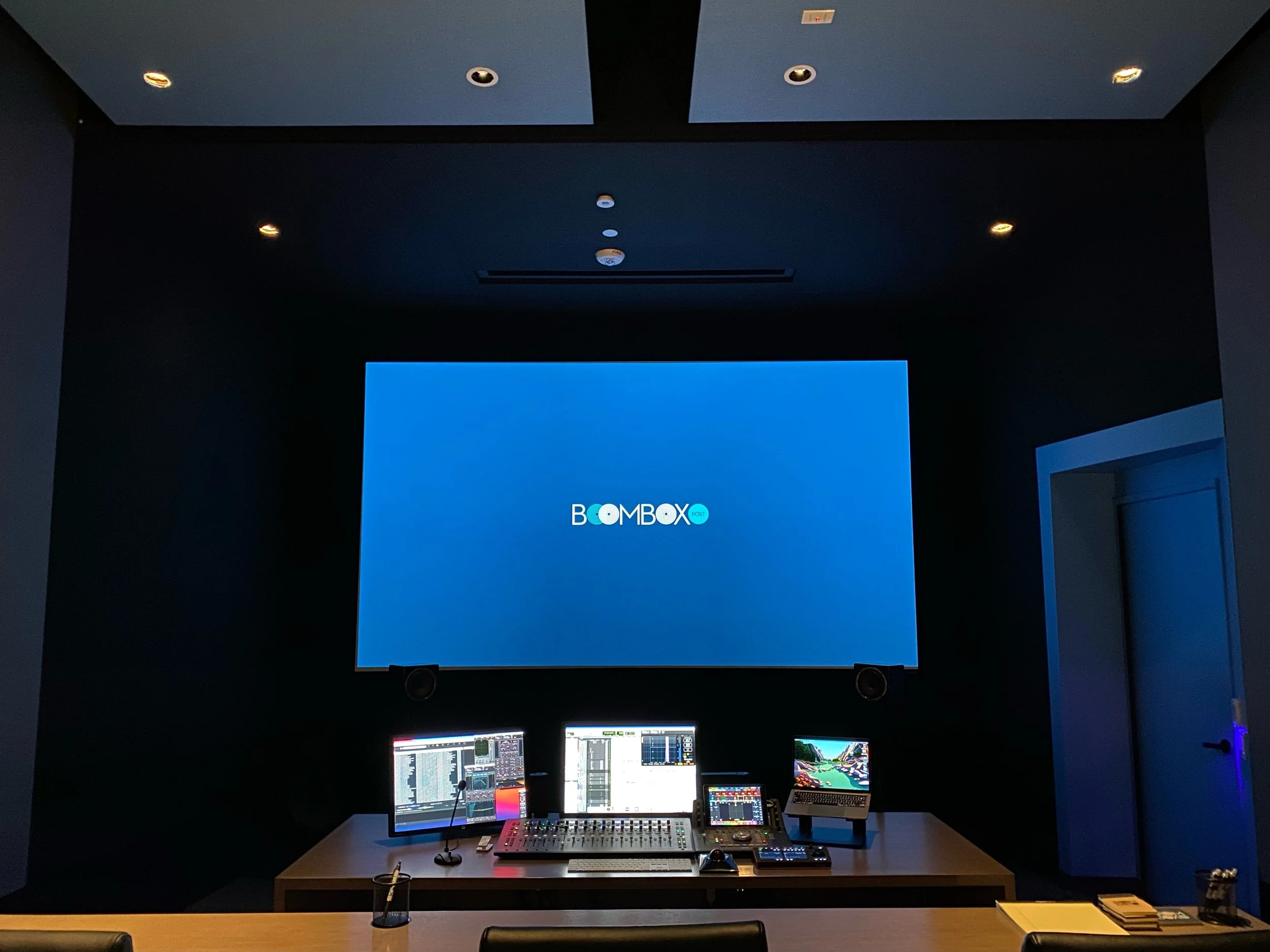
We recently finished construction on our brand new post sound facility in Burbank, CA. One of our top priorities was to have multiple mix stages under our roof, all of which ready for Dolby Atmos. The way we saw it, we might as well be on the forefront of this emerging format. Building a mix stage is challenging enough, but adding in the extra Atmos considerations meant we would be faced with lots of opportunities to learn. Lucky for us, we are all about continuing to learn here at Boom Box Post! It’s in that spirit that I want to share with you some of the details of our journey.
We have dozens of blog posts on how you can level up your sound editorial game. This post is intended to go beyond the basics - making sure you color code you work, cut for perspective, etc. This isn't about missing deadlines or forgetting to clean up markers in your session before turning in your work. These are mistakes that even seasoned sound editors make all the time. Avoiding these seemingly small mistakes could make a big difference in how you are perceived by your supervisors and those mixing your work.
Comedy is alive and well in both live action and animation. And as any sound designer worth their salt knows, our job is to support the script which often means supporting comedy. The best sound design can highlight what is already great about the picture and elevate it further by helping the audience to focus on it. So, how do we support a funny moment without dipping into our toony toolbox?
Over at our other company, Boom Box Library, we recently released “Magic Chimes,” a library of mark tree and bell tree recordings for sound design and music applications. The library has been a big success thus far, clearly filling a need in the sound library community. Creating it from scratch was very fun, so I thought it would be interesting to share the process with you.
From Back to the Future to Edge of Tomorrow, the concept and interpretation of “interdimensional time jumping” has been a key feature in sci-fi films and TV-shows. Such out-of-this-world story telling requires the support of creative and exciting sound design to immerse the viewer into the stretching of space. Read on to learn how Jessey builds a unique time jump sequence.
Before audio post-production was even a possibility, composers would incorporate the emotion and the action of what they saw on the screen into their musical scores. They played the role of sound FX editor and composer, with a technique referred to as “Mickey-Mousing” where the composer would exaggerate a character’s movements with specific orchestration and musical motives. Now that sound FX editors have taken this role in post-production, Mickey-Mousing is less common, so it’s key for sound FX editors to make cuts that work with the music in the overall mix for a film or tv-show. Here are some considerations and tips that our team shared on their approach to editing with music in mind.
Collaborating is a big part of our industry. Even in sound editorial, where we are usually by ourselves in a room when we work, we collaborate in projects with mixers, supervisors, Foley artists, and also share editorial with other sound designers/editors.
We are so excited to showcase our latest work in the new Netflix animated TV show, Centaurworld! In honor of the shows release, we asked one of our sound editors to dive into some of the magical sound elements she created for the show. Get ready to learn about how Katie designed the “magical artifact” seen in the trailer and first episode of Centaurworld!
I remember the first time I was on a mix stage, the mixer broke out this software tool that made it look like we were about to decode The Matrix. There were grainy shades of orange in crazy designs. What was I looking at?!?
That tool was the Spectral Repair module from Izotope RX and it’s a modern marvel.
As a mixer, I see all kinds of issues cropping up that originated in sound editorial. And with my background in sound editorial, I’ve surely committed every one of them myself at some point. Here’s a list of some common problems we see on the mix stage. Avoiding these problems will not only make your work easier to handle and more professionally presented, it will hopefully save you a snarky email or comment from a mixer!